thinkingface
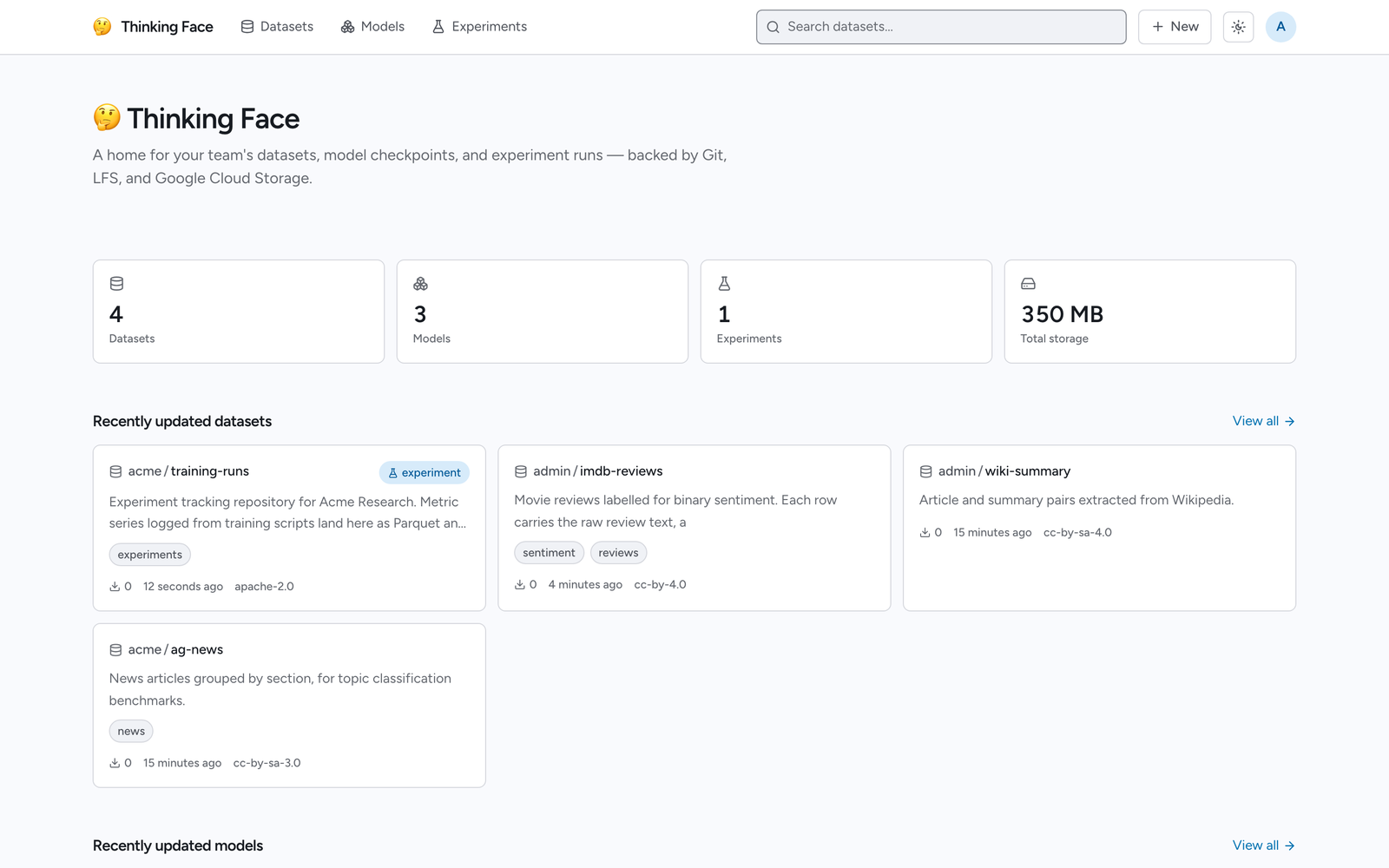
thinkingface is a self-hosted clone of the Hugging Face Hub. It hosts dataset and model
repositories, versions them with git + Git LFS, keeps the actual bytes in your own Google Cloud
Storage bucket, and tracks training runs — all behind an API that huggingface_hub and
datasets already know how to talk to.
Who it is for
You already work with the Hugging Face Hub, and you need the same workflow somewhere else: on
your own infrastructure, inside your own network, on storage you control. Point HF_ENDPOINT at
a thinkingface instance and your existing Python code keeps working — no code changes, no
vendored fork, no separate SDK.
What you get
- Dataset and model repositories — create them from the web UI, the API, or the
tfCLI, thengit cloneandgit pushover HTTP or SSH, with Git LFS for the large files. - A Hugging Face-compatible API —
whoami,create_repo,upload_file,hf_hub_download,list_repo_files,load_datasetand friends work against your instance unchanged. - Browsing without downloading — a file tree, a Parquet table viewer, and a checkpoint metadata panel that reads only the header of a safetensors or PyTorch file.
- Experiment tracking — a trackio-compatible interface records projects, runs, configs and metrics, and charts them in the web UI.
- Organizations — shared team namespaces with
admin/write/readroles. - Storage you can read directly — objects live in your bucket under content-addressed keys,
and the web UI generates a
gcloud storage cpscript that restores any revision to its original file structure, locally or into another bucket.
Where to start
| If you want to | Go to |
|---|---|
| Get an instance running and upload a dataset | Quickstart |
| Understand repositories, revisions and storage first | Core Concepts |
| Push files from Python, the CLI, or git | Uploading Files |
| Pull files back out, or read them straight from the bucket | Downloading Files |
| Explore datasets and checkpoints in the browser | Browsing the Web UI |
| Log training runs and compare them | Tracking Experiments |
| Set up a shared team namespace | Organizations |
| Trigger something of your own when a push or a run lands | Webhooks |
| Know exactly what is and is not compatible with the Hub | Compatibility |
| Deploy this for real | Deployment |
If you are evaluating rather than installing, Core Concepts is the shortest way to understand what thinkingface actually does with your data.